Cloning applications across environments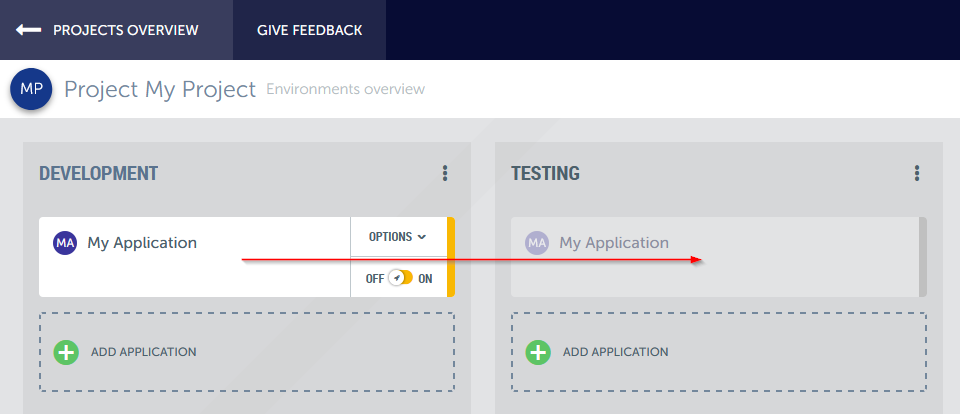
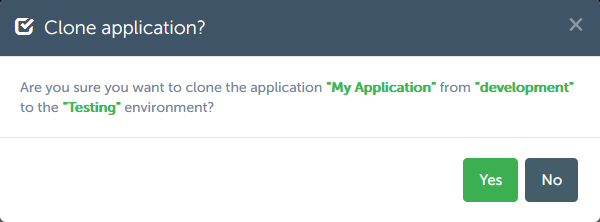
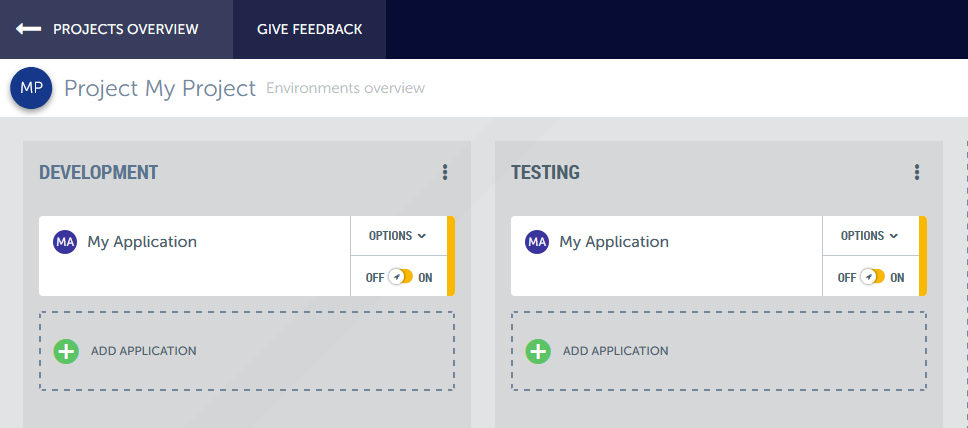
Cloning an application from one environment to another is as simple as dragging and dropping the application from the source environment to the placeholder in the destination environment on the swimlane overview.
When you drop the application and depending on the state of your application, a popup will be shown requesting you how exactly to clone the application.
If you would like to move data from one environment to the other after having cloned the application, you can use snapshots. See the snapshots help section for more information.