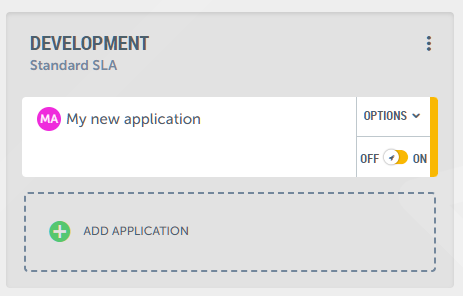
Within an environment in a project, you'll find the "Add Application" option.
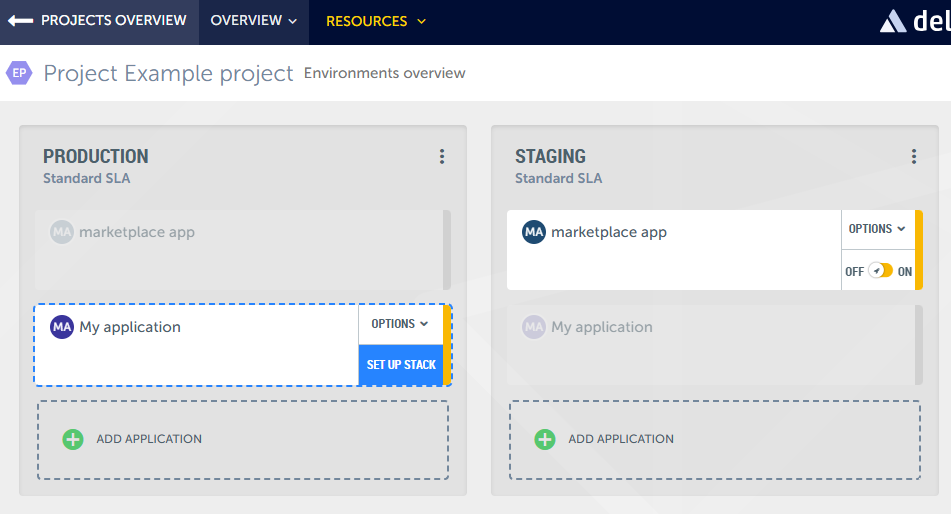
Click on it to start creating your application.
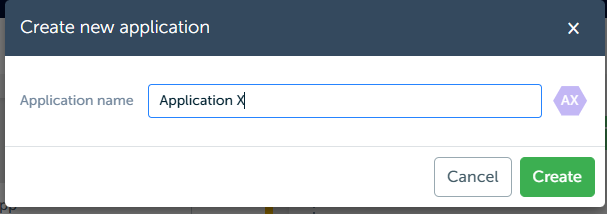
When you click “Create” you will be taken to the setup screen.
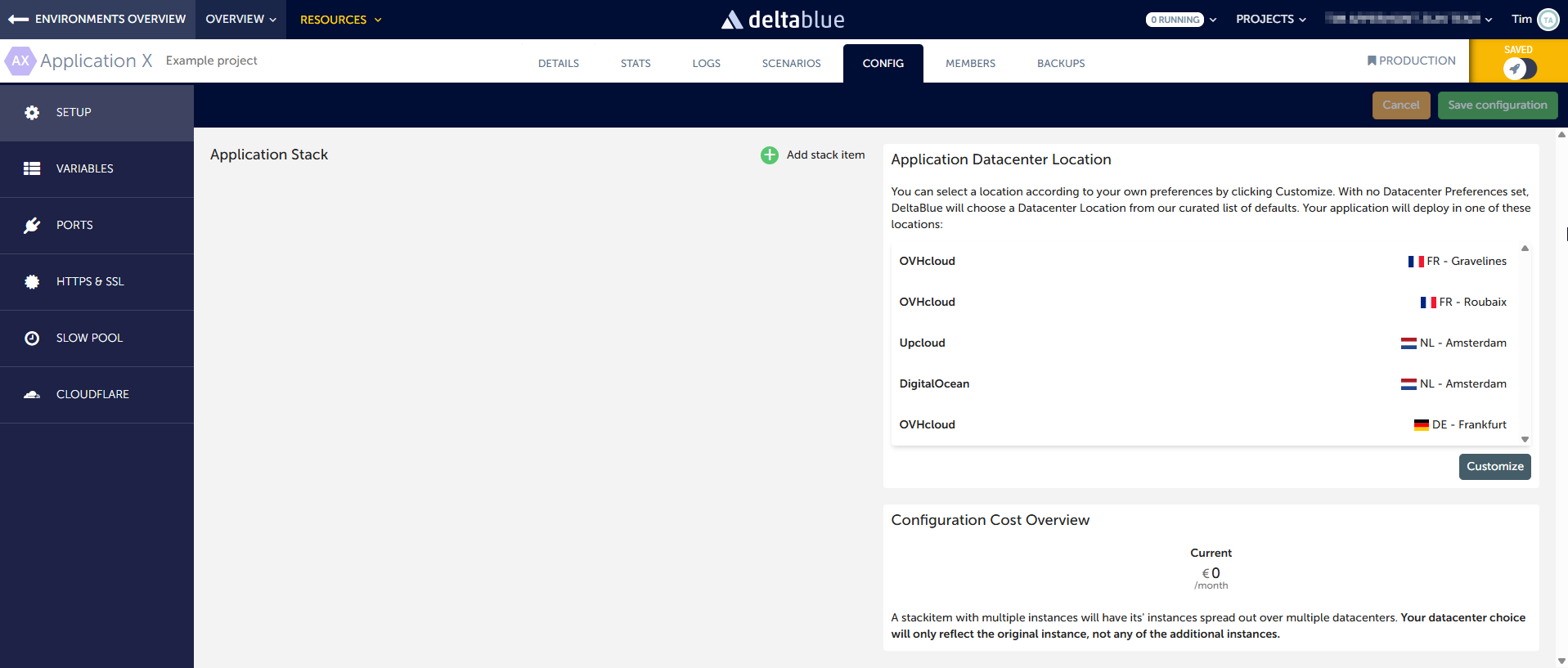
On the left side you can add stack items to build your technology stack. On the right side you will see 2 panes.
Datacenter Location
Datacenter will show one of two messages, depending on previous preferences, but in short:
- If you do not have datacenter preferences, the platform will automatically select a datacenter from the list to host your application. This is the default setting
- If you want to select a datacenter yourself, or if the environment this application is created in already has preferences set, you can click “Customize” to filter and select a datacenter location of your choice
Configuration Cost Overview
This is the summary of the cost of your configuration on your selected datacenter (if you did choose to customize).
Next, you'll need to add stack items. These are the technologies your application will use, such as PHP and Apache, Python, Node.js, or specific platforms like Shopware.
Click on the “Add stack item” button.
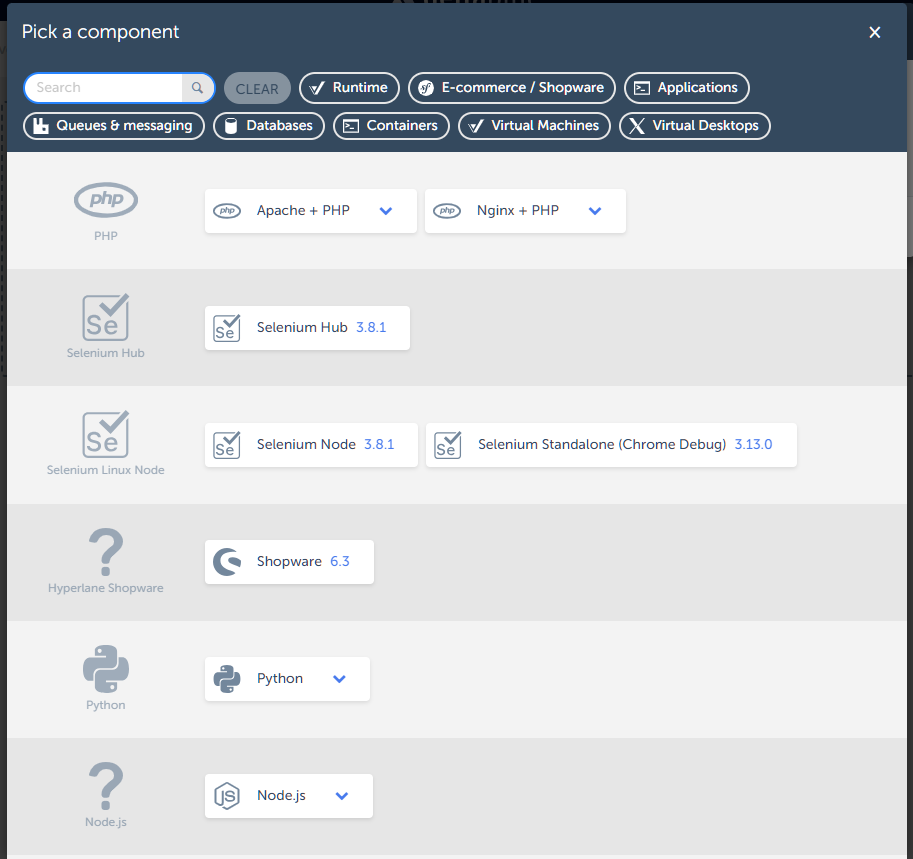
In this example, we select Apache + PHP.

For each stack item, assign the resources it requires by clicking the Edit button. We offer various resource sizes, each clearly outlining what's included and the associated costs.
Choose the appropriate resource size for each stack item based on your project's needs and budget.
On the right side, if you did decide to customize your location, you will now see the price for the selected stackitems and resources per datacenter location.
You will also see the total cost overview for your app.
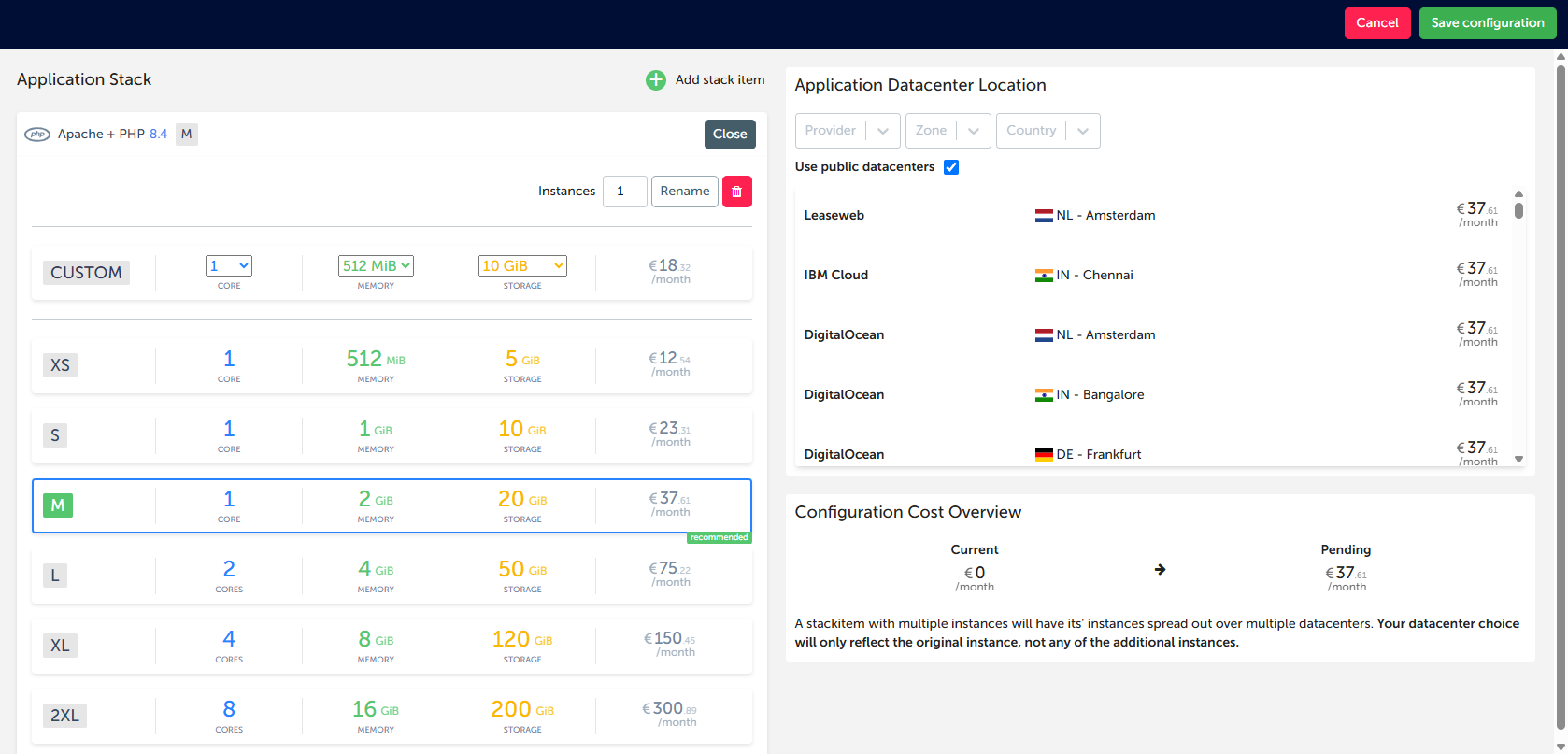
Review your stack configuration. If everything looks good, confirm your selections by clicking "Save configuration".
Your application will then be created within your project.
You can select multiple instances for a stack item. The datacenter selection will only reflect the original intance, not any of the additional instances.