To initiate a new project within our platform, simply click on the "Create Project" option located at the top left corner of the interface.
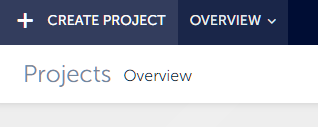
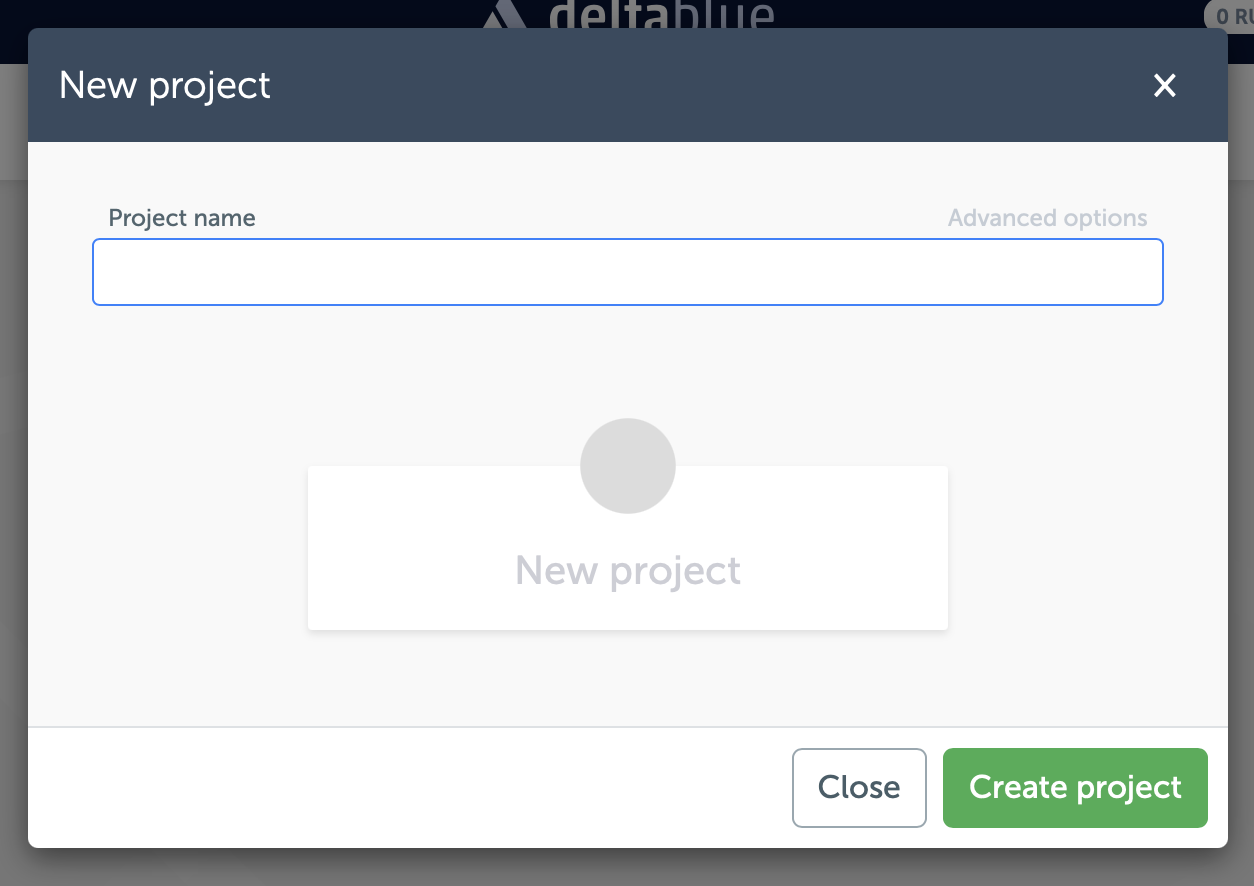
This action will open a modal window where you can enter a name for your project. Once you've provided a name, confirm it, and your project will be created.
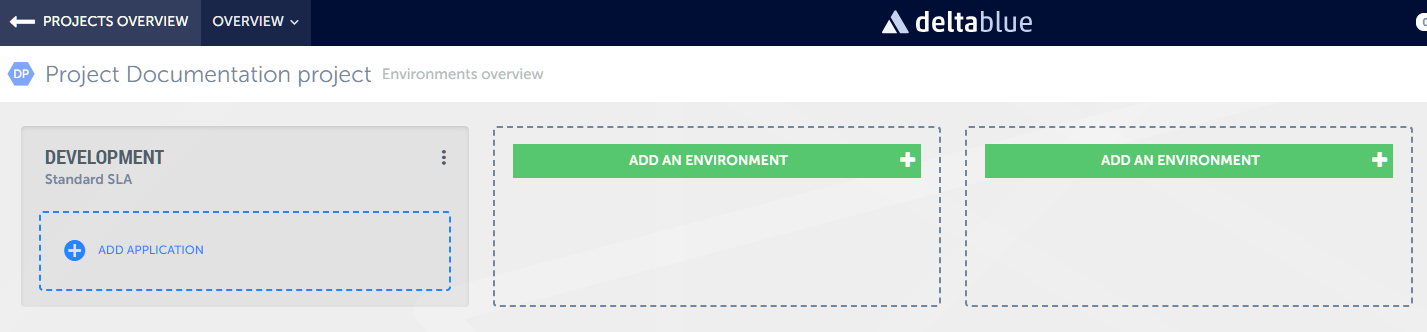
You'll then be directed to the Environment Overview screen for this newly created project.
By default, the platform enables one environment for you: the development environment. If needed, you can add more environments to your project according to your requirements.
 Understanding Projects and Applications
Your project acts as a container within the platform, housing environments and applications. However, to fully utilize your project, you need to create applications within it.
Read more about creating applications.